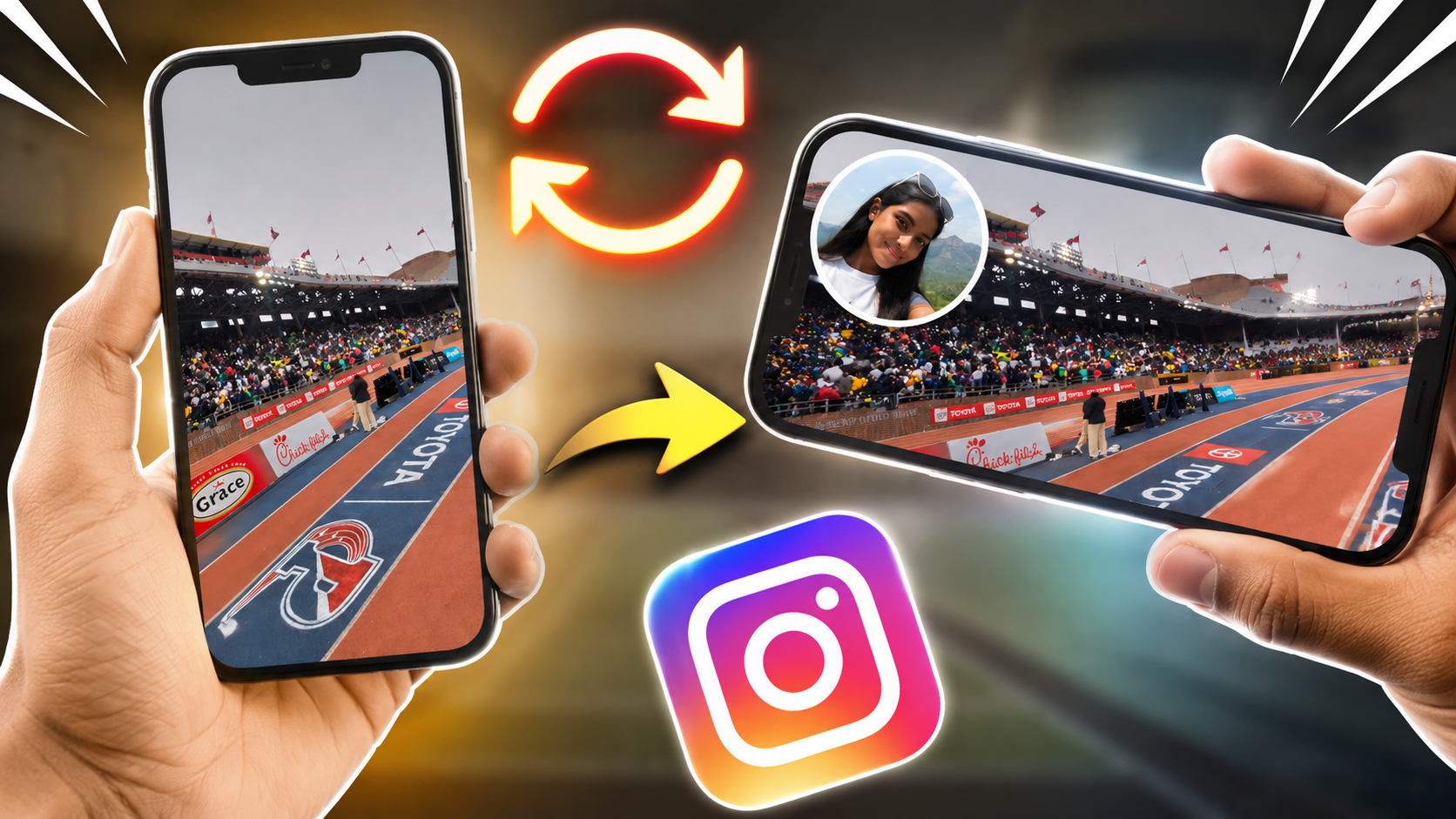
Want to create the popular Meta Glasses-style Instagram Story using your own photo?
You can do it directly from your phone without needing Ray-Ban Meta smart glasses. I’ve created a Meta Glasses-style Story template that you can download and use as the background for your Instagram Story.
The idea is simple: download the template, open it in Instagram Stories, and place your own photo on top using Instagram’s photo/sticker tools.
📥 Download the Meta Glasses Story Template
Download the Meta Glasses Instagram Story Template
Save the image to your phone’s Photos/Gallery before continuing.
How to Use the Template on Instagram
Step 1: Download the image
Tap the download link above and save the image to your phone.
This image is designed to work as the background/template for your Instagram Story.
Step 2: Open Instagram Stories
Open Instagram and create a new Story.
Select the downloaded Meta Glasses template from your gallery.
Step 3: Add your own photo
Once the template is loaded into your Story:
- Tap the Sticker icon.
- Look for the option to add a photo from your gallery, if available in your Instagram version.
- Select the photo you want to use.
- Resize the photo using two fingers.
- Move it to the position you want.
- Rotate or adjust it until it looks right.
Instagram also offers Cutouts, which can turn a subject from a photo or video in your camera roll into a custom sticker that you can place on your Story.
Step 4: Make it your own
You can experiment with:
- Your selfie
- Travel photos
- Food photos
- Bike/car photos
- Event photos
- Friends and family photos
- Your latest Instagram post
Try positioning your image so that it looks like you’re creating your own first-person Meta Glasses-style moment.
Why This Template Works
Ray-Ban Meta smart glasses are designed to capture photos and videos from a first-person point of view. Meta says the glasses can also share captured photos directly to Instagram Stories when Instagram is connected through the Meta AI app.
This template lets Instagram users recreate a similar POV-style Story concept using a normal phone photo.
You don’t need to own the glasses just to experiment with the visual style.
✨ Create Your Own Meta Glasses-Style Story
The best part is that you can reuse the template as many times as you want.
Download it once, keep it in your gallery, and whenever you want to create another Story:
Template → Instagram Story → Sticker/Photo → Your Image → Resize → Share
Instagram’s Story tools also include features such as Frames, Reveal and Cutouts, giving you additional ways to customize your Story.
Important Note
This is a community-created visual template for Instagram Stories. It is not an official Ray-Ban Meta or Meta template, and the downloadable image should not be represented as a photo actually captured by Meta smart glasses.
Ray-Ban Meta is a product of Meta and EssilorLuxottica. The template is intended only for creative Instagram Story use.
Suggested blog title
Meta Glasses Instagram Story Template: Download & Add Your Own Photo
SEO title
Download Meta Glasses Instagram Story Template – Add Your Own Photo
Meta description
Download a free Meta Glasses-style Instagram Story template and learn how to add your own photo using Instagram stickers. Easy step-by-step guide for creating POV-style Stories.
Keywords
Meta glasses Instagram story template, Meta glasses story, Ray-Ban Meta Instagram Story, Instagram story template, Meta glasses photo template, Instagram photo sticker, Instagram story stickers, POV Instagram story, Meta glasses trend, Instagram templates